Bidding Help article
Add Email Attachment
You can attach additional documentation directly to your emails in CleanGuru to provide clients with a complete and professional proposal package.
Attach Files to Proposals
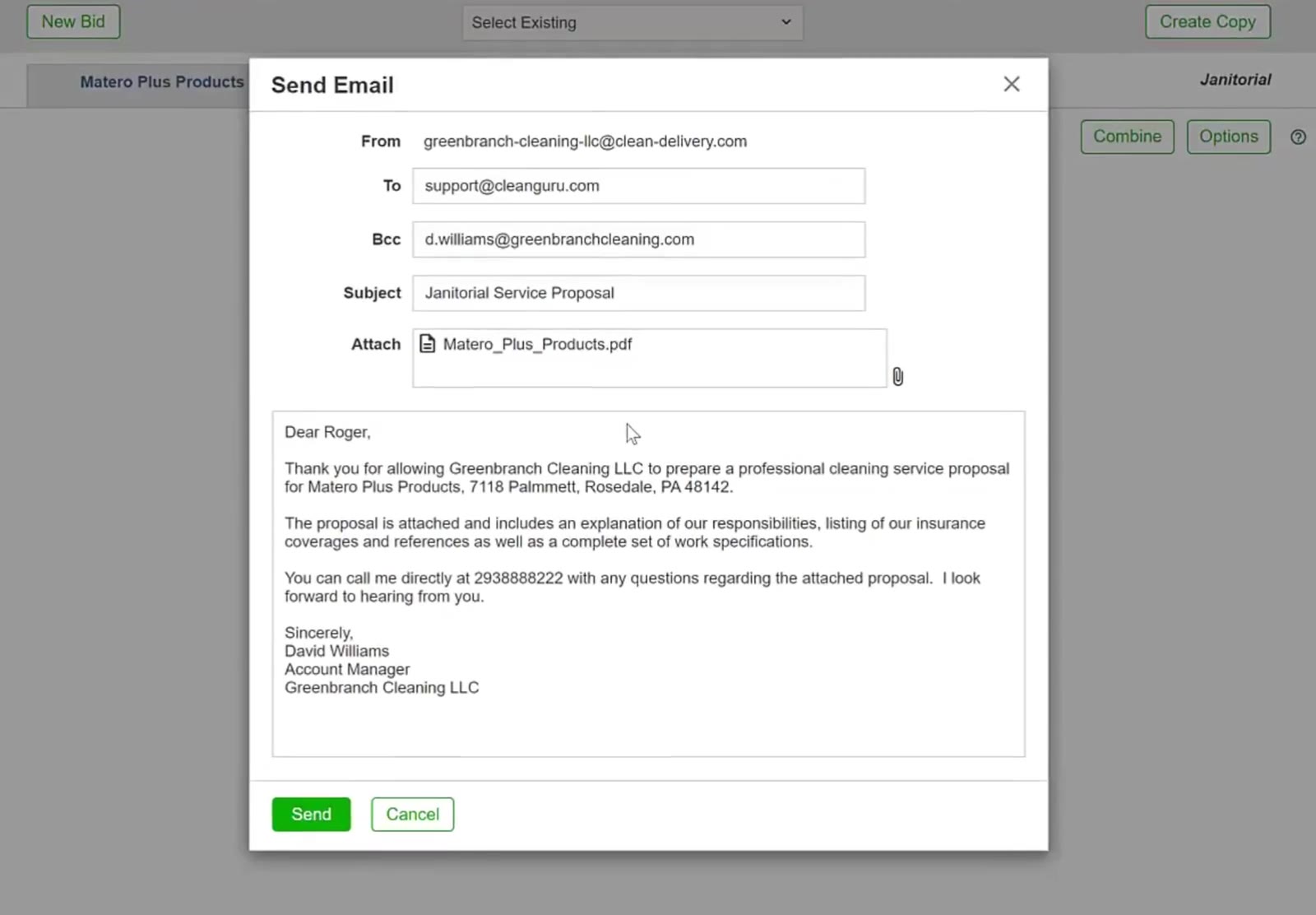
Open the file browser
Click the paperclip icon located at the far right of the Attach field.
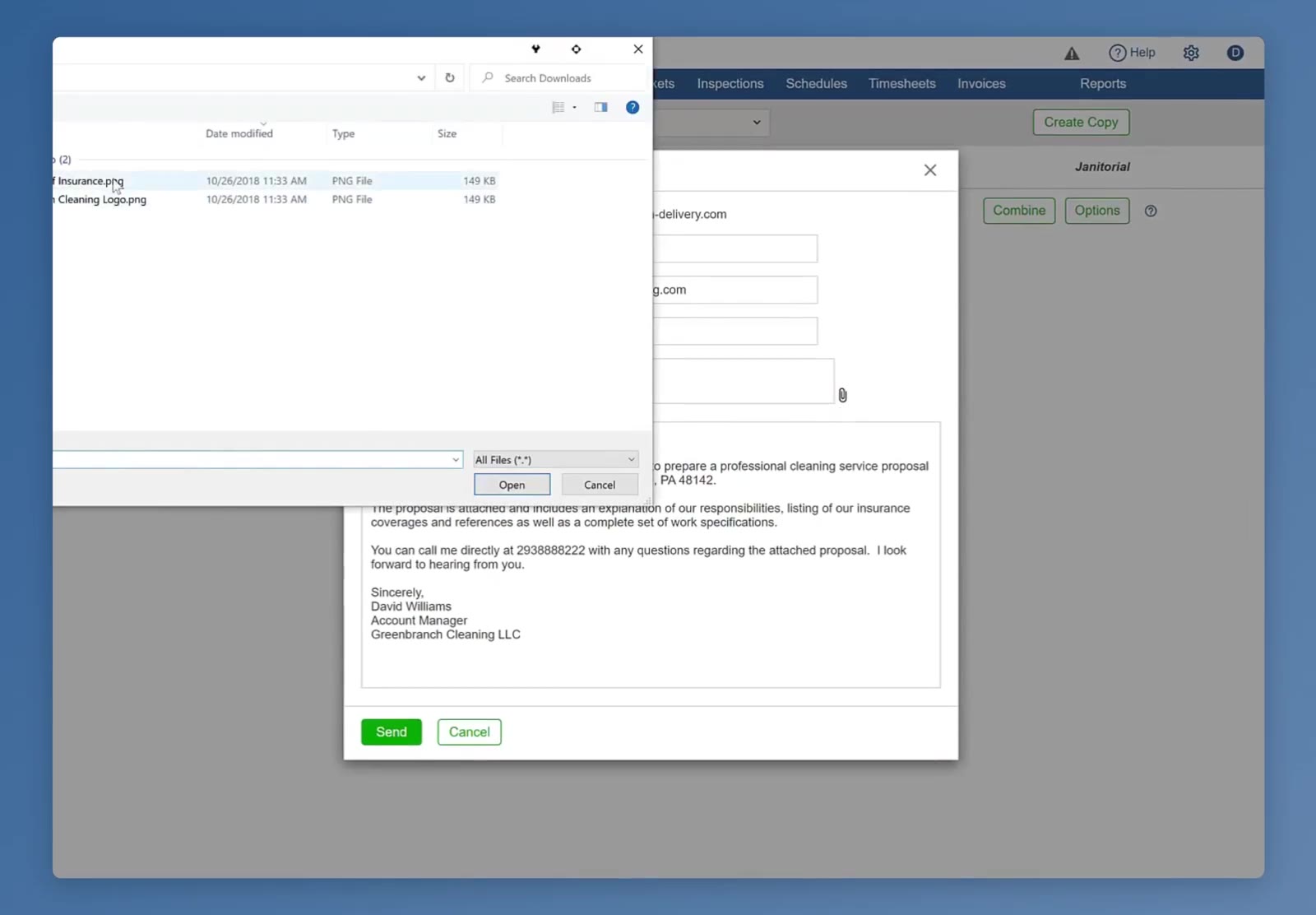
Select your file
In the file explorer window, navigate to your folder, select the file, and click Open.
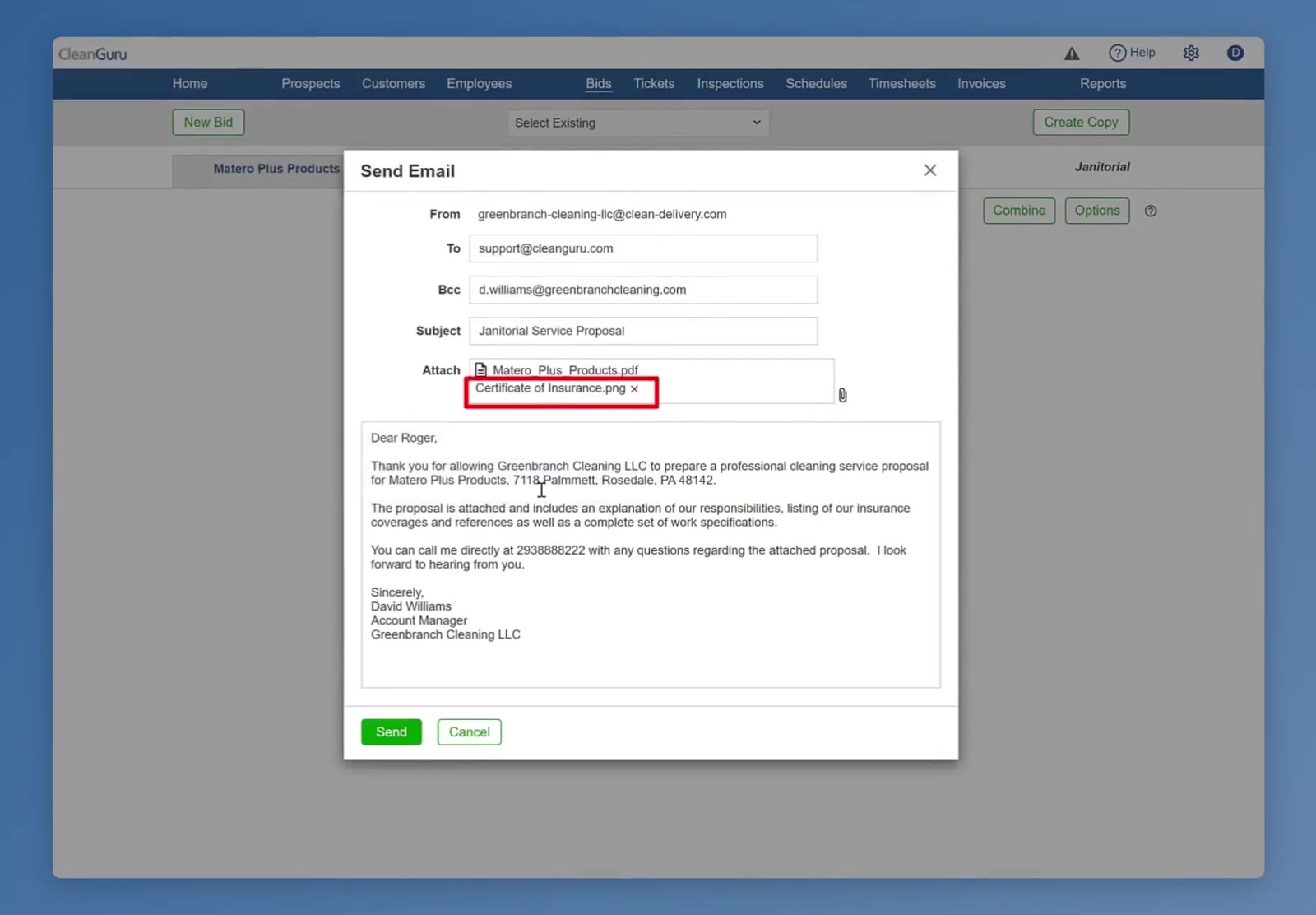
Check the attachment list
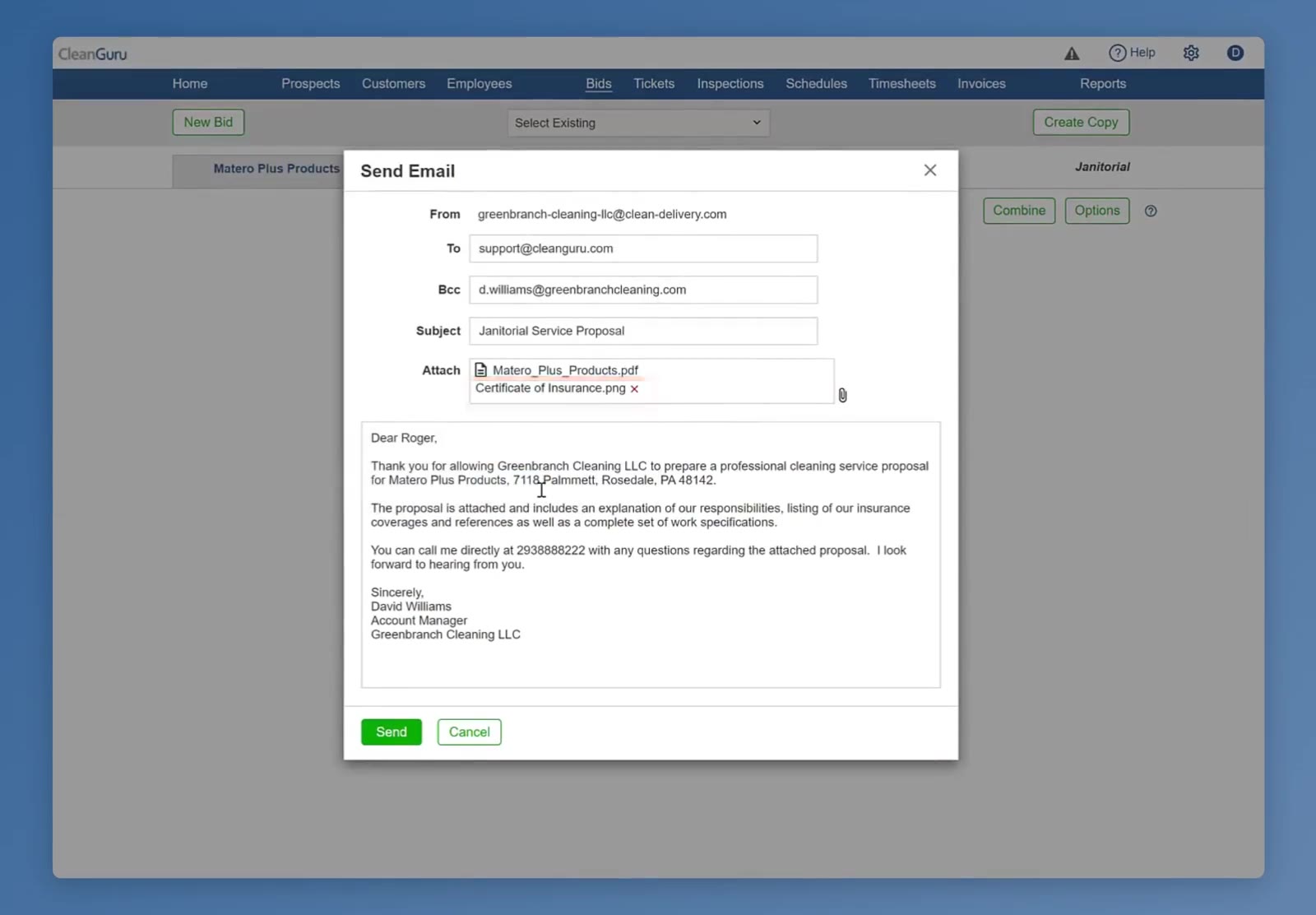
Confirm that the file appears in the Attach field alongside any existing documents.
Review the content
Look over the auto-populated message in the text box. You can manually edit the text, add a greeting, or adjust the signature if necessary.
Commit and send
Once your files are attached and your message is ready, click the green Send button at the bottom left of the window.