Inspecting Help article
Language Translation
Language Translation
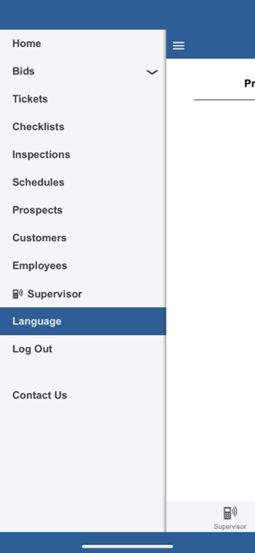
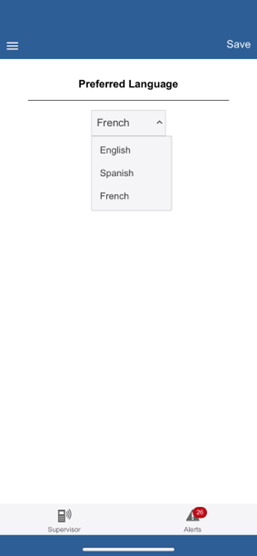
To use our translation feature, when logged in to the CleanGuru app, a cleaner can simply tap on Language on the Menu, select either English, Spanish or French, and Save. (Image 1 below)
Tasks shown on ‘tickets and checklists’ will appear in the language they’ve selected. (Image 2 below)